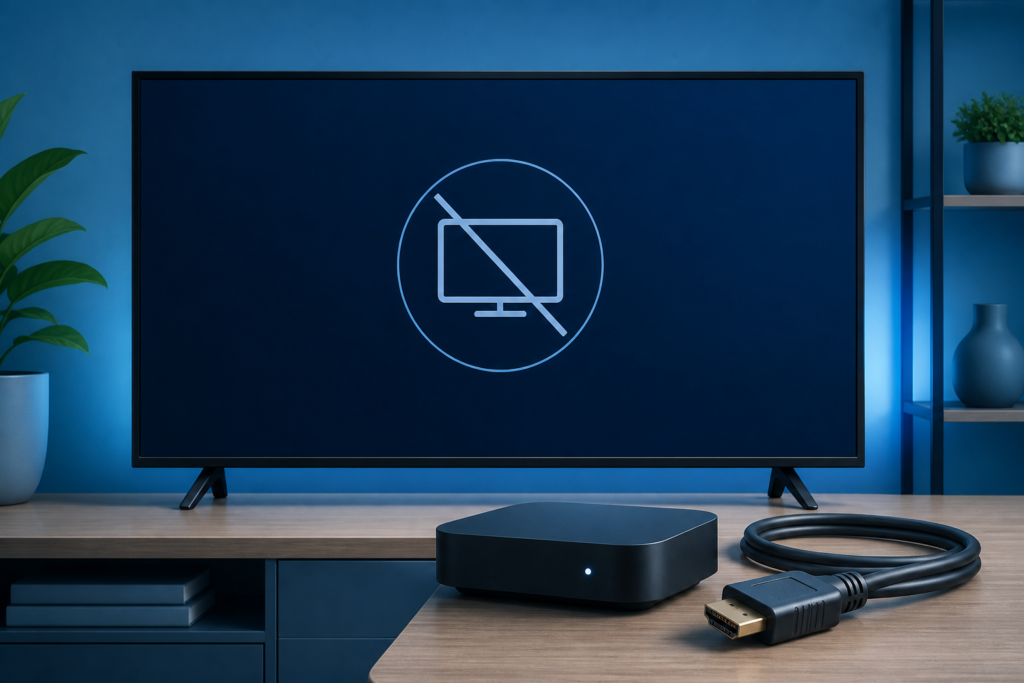
IPTV Black Screen but Sound Works: Video Output Checks
Quick answer: If IPTV shows a black screen but sound works, first check whether the picture is black in every […]
IPTV Black Screen but Sound Works: Video Output Checks Read More »
Quick answer: If IPTV shows a black screen but sound works, first check whether the picture is black in every […]
IPTV Black Screen but Sound Works: Video Output Checks Read More »
Quick answer: If IPTV login is not working on a Smart TV, first confirm that the player is installed for
IPTV Login Not Working on Smart TV: Safe Checks Read More »
Quick answer: If a Smart TV IPTV playlist is not loading, first confirm that the TV or streaming device is
Smart TV IPTV Playlist Not Loading: Troubleshooting Guide Read More »
Quick answer: If an IPTV app is stuck on a loading screen, first test the device’s home screen and another
IPTV App Stuck Loading: Device and Player Checks Read More »
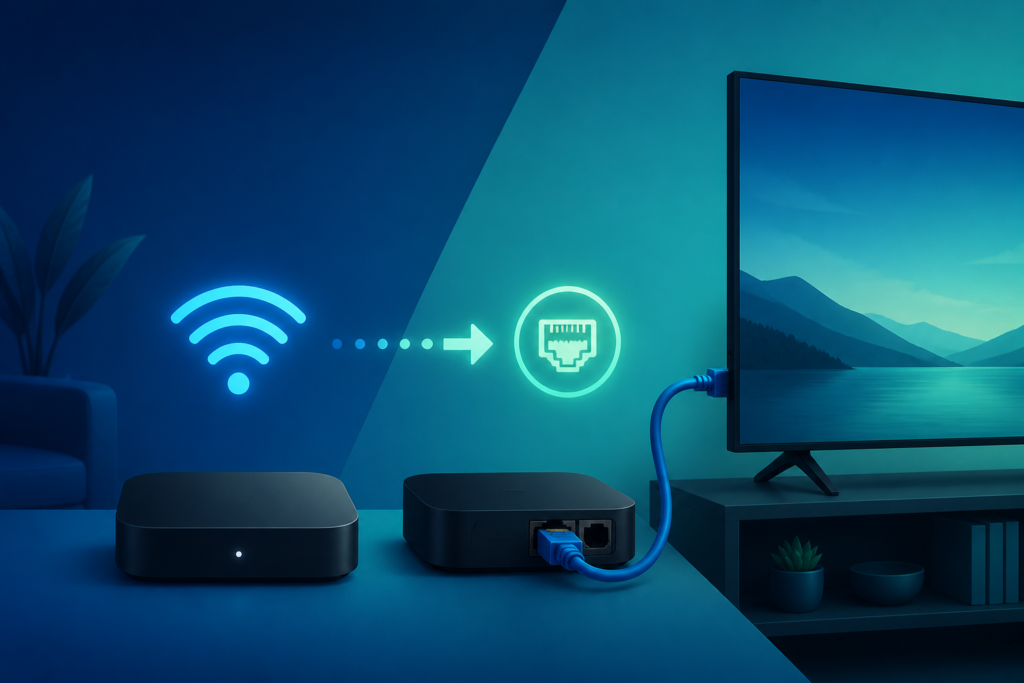
Quick answer: To use IPTV on a second TV, first decide whether both televisions will use separate supported player devices
How to Set Up IPTV on a Second TV Read More »
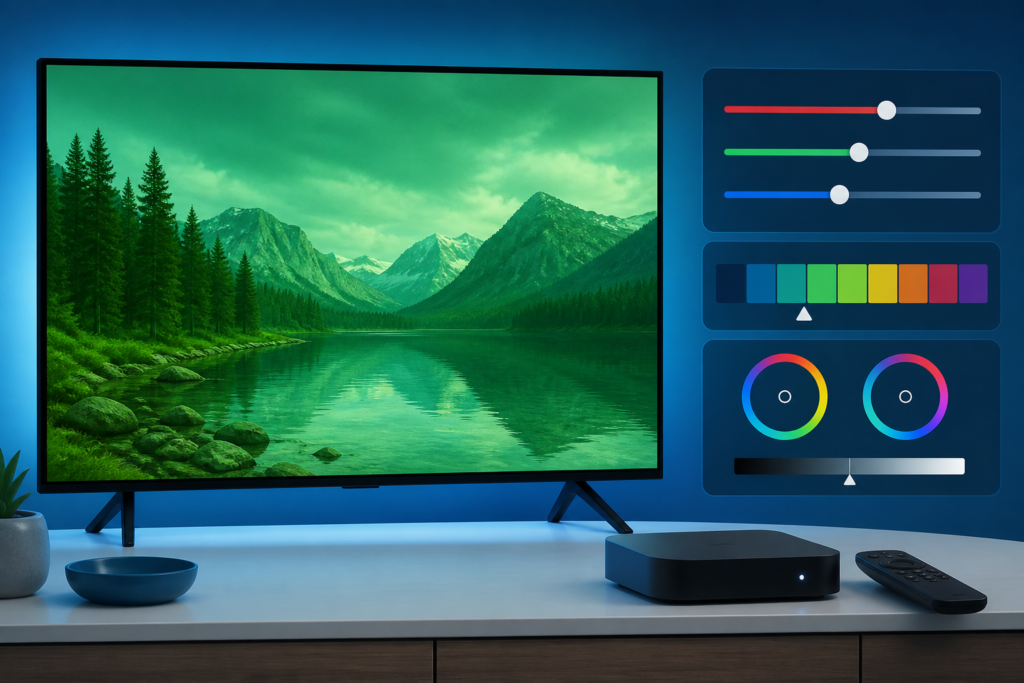
Quick answer: If IPTV looks too dark on a Smart TV, first check whether the television’s brightness or picture mode
IPTV Picture Too Dark on Smart TV: Display Checks Read More »
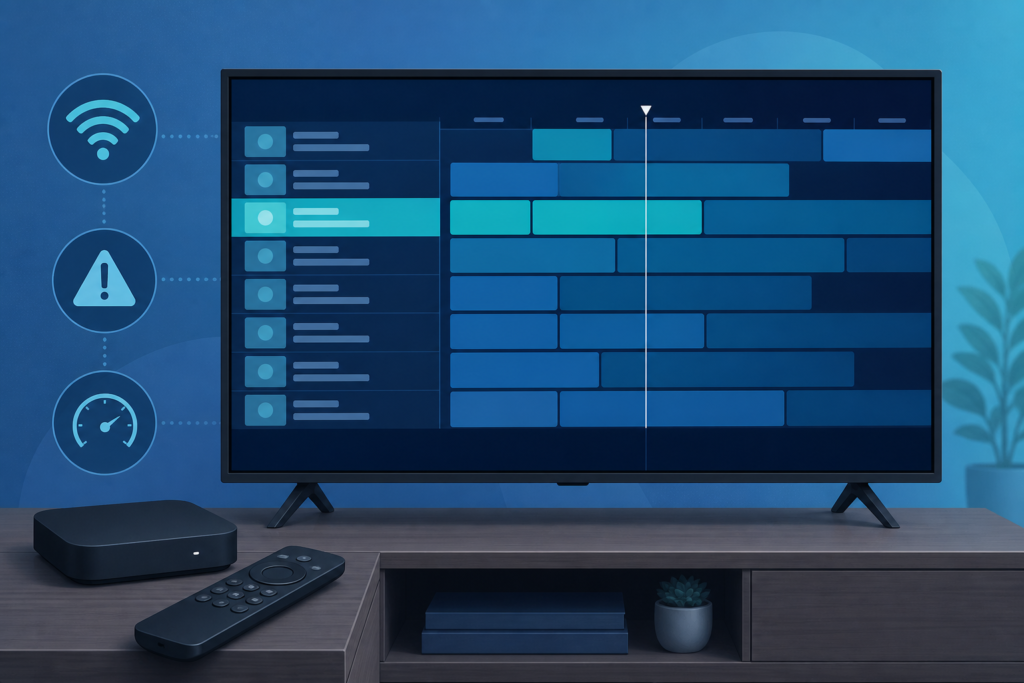
Quick answer: If the IPTV EPG time is wrong, first check the time zone, date, and automatic time settings on
IPTV EPG Time Wrong: Time Zone and Guide Checks Read More »
Quick answer: If an IPTV app will not install on a Smart TV, first check whether the television’s app store
How to Install an IPTV App on a Smart TV Read More »
Quick answer: If your IPTV remote is not responding during playback, first check whether the remote works in the device
IPTV Remote Not Working: A Practical Troubleshooting Guide Read More »
Learn how to restore missing IPTV playback controls by checking the remote, focus, full-screen mode, player settings, and content type.
IPTV Playback Controls Missing: How to Show the Control Bar Read More »