
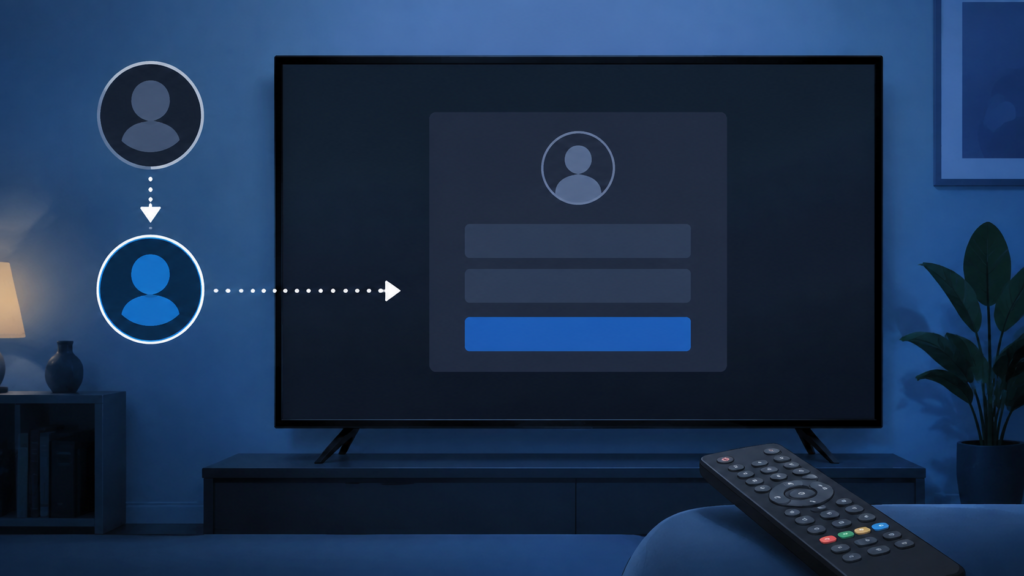
Quick answer: If an IPTV app shows a blank login form after switching profiles, first confirm whether the form is still loading, test the same app after a normal reopen, and compare one system text field. Check focus, cached profile state, app version, and network status before deleting data. Keep passwords, tokens, and private service URLs out of screenshots.
IPTV App Shows Blank Login Form After Profile Switch: Safe Checks
A blank login form can mean the fields are still loading, the selected profile has incomplete local state, the player lost focus, or the application is displaying a compatibility or network error without text. Switching profiles can also expose a player-specific state that does not affect the device home screen. This guide provides controlled checks without asking users to disclose credentials.
Define the blank state
Record whether the form background is visible, whether labels or buttons appear, whether a keyboard opens, and whether a spinner remains. Note whether the blank form appears only after switching profiles or also on a fresh launch. These are separate behaviors.
Do not type passwords repeatedly into a blank form. First confirm that the fields and controls are actually present. Redact usernames, service URLs, and account identifiers from screenshots.
Step 1: Wait and test focus
After the profile switch, wait for the player’s normal loading period. Move focus once between the visible controls and look for a border or cursor. If the field receives focus but labels remain missing, record that difference.
Press one documented control and wait. Repeated Back, OK, and directional commands can close the form or create a different state.
Step 2: Test a system text field
Leave the player and open an Android TV or Smart TV search field. Test whether labels, keyboard, and text entry appear normally. If system forms work, focus on the IPTV app and profile state. If system forms are also blank or unresponsive, investigate the platform input process.
Use one ordinary app for comparison. Do not change keyboard, language, and accessibility settings together.
Step 3: Reopen the player
Exit the player normally, return to the home screen, and open it once. Select the same profile and observe the form. Record whether it returns with labels, remains blank, or asks for setup again.
If the issue occurs only after standby, record that timing. A fresh launch and a resume launch can use different local state.
Step 4: Check profile and network state
Review the player’s documented profile controls and confirm that the selected profile is complete without exposing its private values. Check device network status through normal settings and test one ordinary online application.
If the app shows a network or certificate message after waiting, record the exact wording. Do not change DNS, account information, and profile data simultaneously.
Step 5: Check versions and local state
Record device, operating-system, and player versions. Install official updates through normal platform paths, then repeat the same profile switch. If the player documents a cache-clear action, understand what it removes before using it.
A reset can remove saved profiles and setup choices. Preserve the blank-form evidence before changing local data.
Checklist
- Describe what is blank.
- Wait for normal loading.
- Test visible focus.
- Check a system text field.
- Reopen the player once.
- Check network status.
- Record profile behavior without secrets.
- Record versions.
- Use one documented recovery step.
- Keep credentials private.
When to request help
Review the IPTV setup guidance, IPTV service page, and services page. Use the official Telegram support channel with device, player, profile-switch timing, visible controls, system-field result, and versions. Never send passwords or private URLs.
FAQ
Why is the form blank only after switching profiles?
The player may retain incomplete local state or lose focus during the switch. Compare a fresh launch and the same profile.
Should I type the password anyway?
No. Confirm the fields and controls are rendered first.
Why does system search work?
The platform input may be healthy while the player form has a profile or rendering state.
What should support receive?
Share device, player, timing, visible controls, system-field result, and versions. Keep credentials private.
Conclusion
An IPTV blank login form after profile switching should be isolated across loading, focus, system input, profile state, network, software, and local data. Use one controlled test at a time. Start with the TVMemberLink home page.
How to report a blank profile form clearly
If the blank form returns after the controlled checks, write down the exact sequence: open the app, select the profile, wait for the form, and note whether a keyboard, labels, or buttons appear. Record the device model, operating-system version, app version, and whether the same profile opens on another supported device. This description is more useful than repeatedly switching profiles because it identifies the point at which the interface changes.
Before sharing a screenshot, crop or cover usernames, passwords, tokens, server addresses, email addresses, and payment information. Support normally needs the visible symptom and device context, not private credentials. If a profile switch works after a normal app restart but fails again later, include that pattern. If the form is blank only on one network, record that fact without exposing the network password. These small details help distinguish rendering, focus, connectivity, and profile-state issues.
Use the same troubleshooting order each time: render the form, test a system field, restore focus, reopen the app, compare the network, and only then consider local reset options. Changing several variables at once makes the result difficult to interpret. A stable, repeatable test also avoids unnecessary re-entry of service information and reduces the risk of losing a working configuration.
Keep the recovery reversible
Use reversible checks whenever possible. A normal close and reopen, a date change, or a comparison in a system text field does not remove account data. If the form returns after those steps, wait for the application to finish loading before deciding that the profile is invalid. A stable connection and visible controls are useful prerequisites for any later sign-in test.
When the blank state occurs only after a profile switch, do not create multiple new profiles as a workaround. Extra local profiles can make the state harder to understand. Keep one test profile, document the result, and use support if the same reproducible sequence continues.
Keep the recovery reversible
Use reversible checks whenever possible. A normal close and reopen, a date change, or a comparison in a system text field does not remove account data. If the form returns after those steps, wait for the application to finish loading before deciding that the profile is invalid. A stable connection and visible controls are useful prerequisites for any later sign-in test.
When the blank state occurs only after a profile switch, do not create multiple new profiles as a workaround. Extra local profiles can make the state harder to understand. Keep one test profile, document the result, and use support if the same reproducible sequence continues.
Also check the screen after the device has been idle. A wake-from-sleep transition can leave an app panel visible while its input controls are not ready. Return to the device home screen, reopen the player once, and wait for the profile selector to finish before opening the form. This is a safe way to test a display lifecycle issue without deleting local data.
