
IPTV App Not Opening After Smart TV Update: Fixes
Quick answer: If an IPTV app will not open after a Smart TV update, first confirm that the TV finished
IPTV App Not Opening After Smart TV Update: Fixes Read More »
Quick answer: If an IPTV app will not open after a Smart TV update, first confirm that the TV finished
IPTV App Not Opening After Smart TV Update: Fixes Read More »
Quick answer: If IPTV audio and video are out of sync, first check whether the delay affects every permitted item
IPTV Audio and Video Out of Sync: Sync Troubleshooting Read More »
Quick answer: If the IPTV channel list is not updating, first confirm whether the player opens and whether the existing
IPTV Channel List Not Updating: Refresh and Device Checks Read More »
Quick answer: If an IPTV app keeps logging out on a Smart TV, first check whether the TV clock is
IPTV App Keeps Logging Out on Smart TV: Fixes Read More »
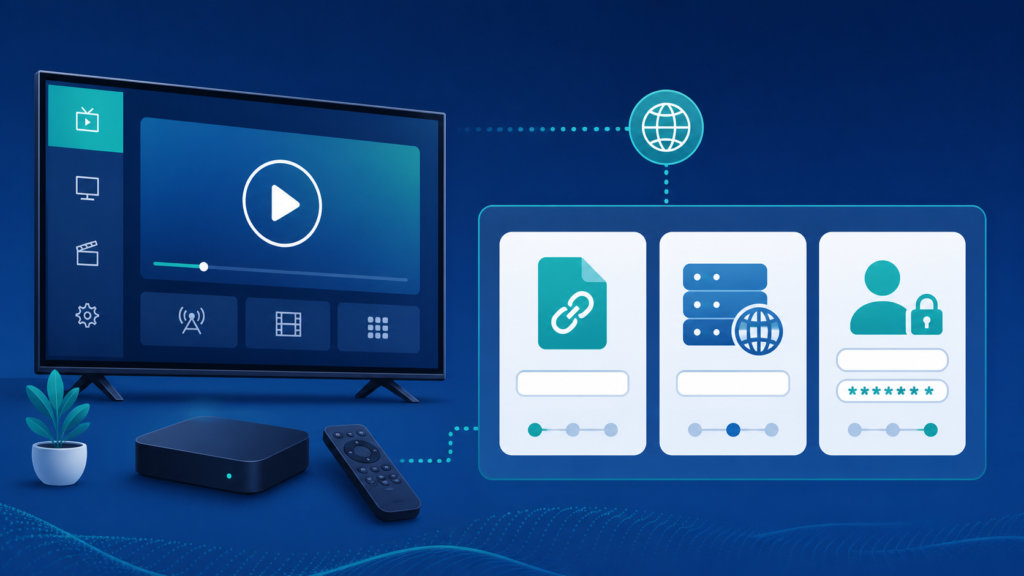
Quick answer: The right IPTV player format depends on the player and the authorized setup details you have. A player
IPTV Player Formats Explained: Playlist, Portal, and Login Setup Read More »
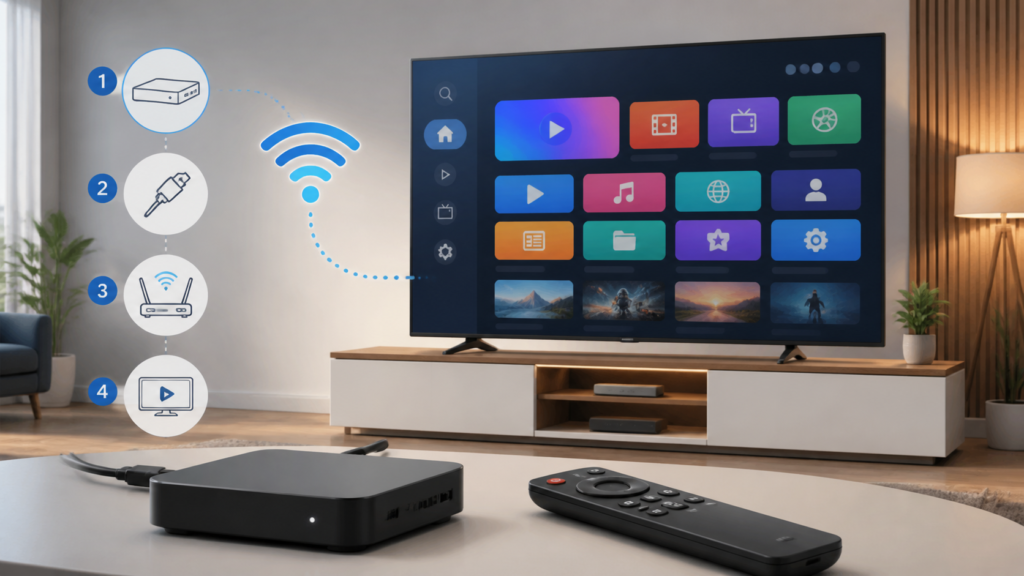
Quick answer: To set up IPTV on an Android TV box, connect the box to power and HDMI, complete its
How to Set Up IPTV on an Android TV Box Read More »
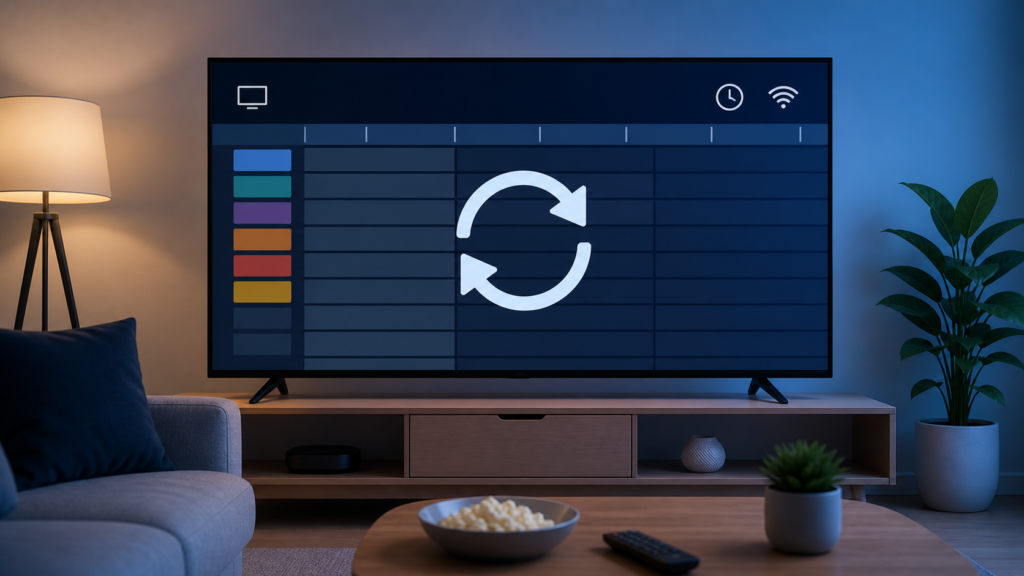
Quick answer: If the IPTV EPG is not loading, first check whether the player itself opens and whether live playback
IPTV EPG Not Loading: Guide Data Troubleshooting Read More »
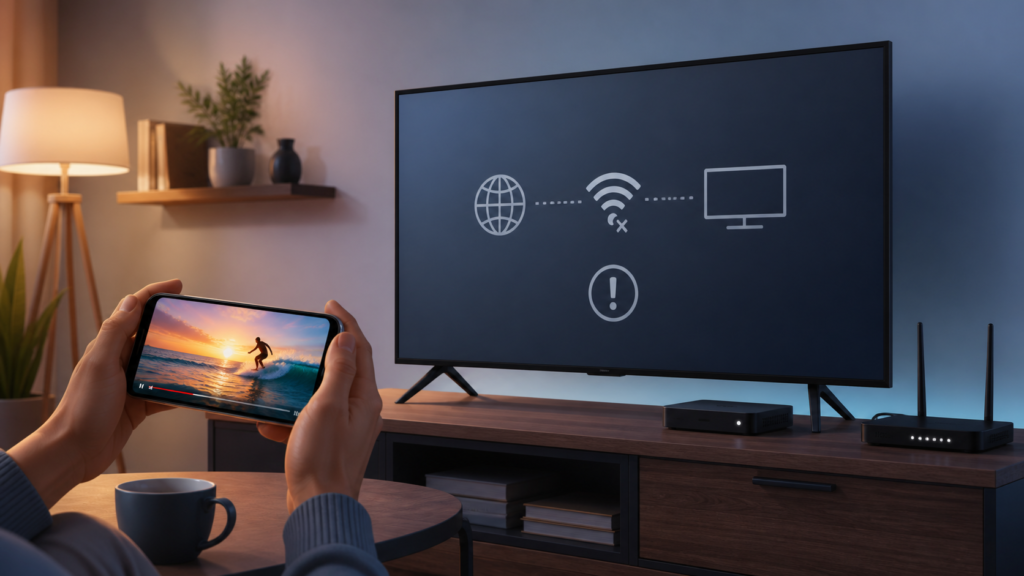
Quick answer: If IPTV works on a phone but not on a Smart TV, compare the player app, platform, network
IPTV Works on Phone but Not TV: Device Troubleshooting Read More »
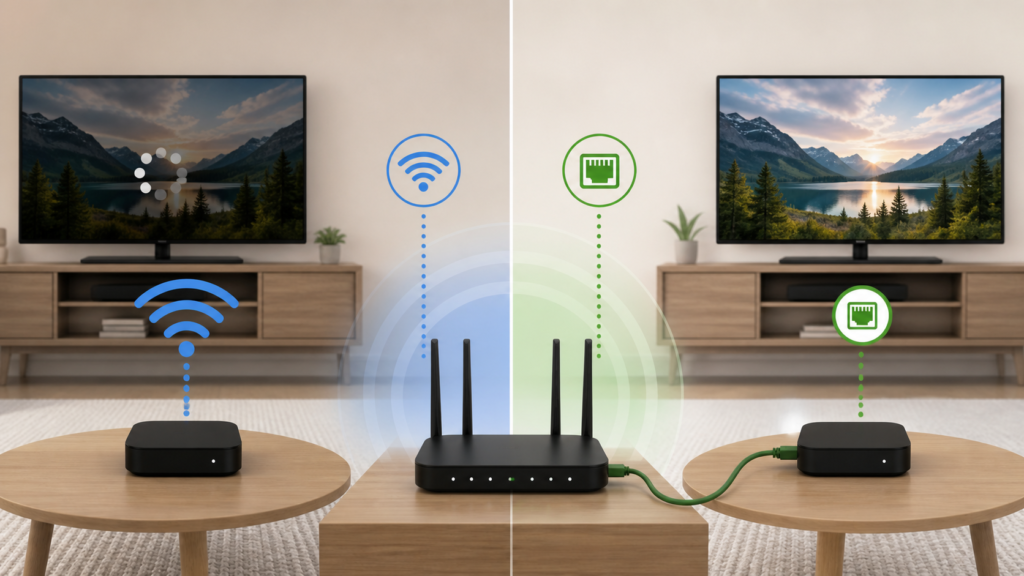
Quick answer: Wi-Fi and Ethernet can both work for IPTV, but the better choice depends on the device, room layout,
Wi-Fi vs Ethernet for IPTV: Which Connection Should You Use? Read More »
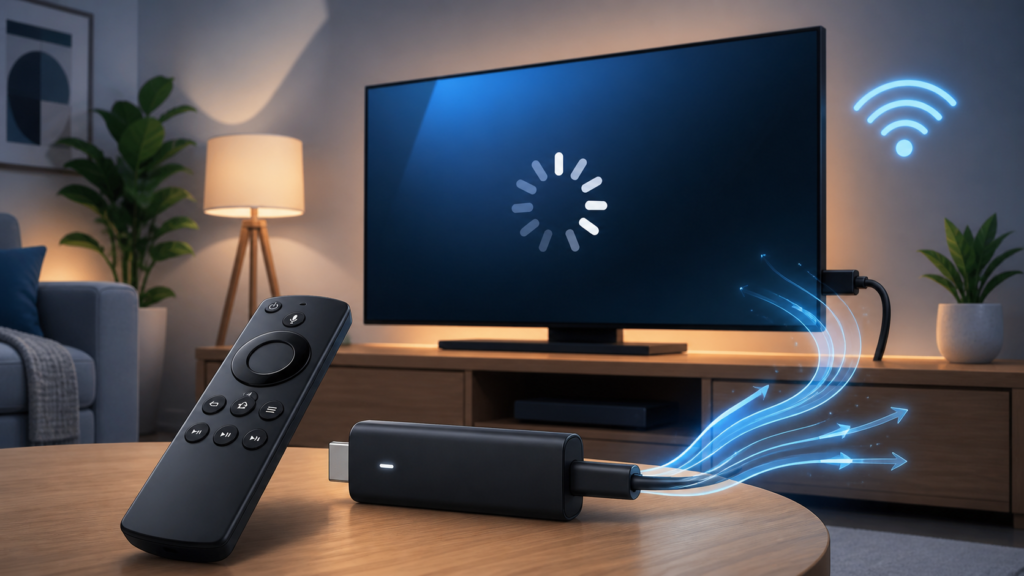
Quick answer: If IPTV buffers on a Firestick-style device, first check whether the issue affects one item or every permitted
IPTV Buffering on Firestick: Device and Network Checks Read More »
