Quick answer: If IPTV EPG times appear but program descriptions are blank, first compare another channel and another guide group, then check the player’s guide display settings, refresh behavior, language or region preference, cache, and source metadata. Blank descriptions are different from an EPG that never loads. The schedule may be available while descriptive fields are missing or unsupported.
This guide covers Smart TVs, Android TV boxes, Fire TV-style devices, and supported IPTV players. It focuses on safe list and guide checks without repeated imports or disclosure of private setup information.
Why EPG descriptions can be blank
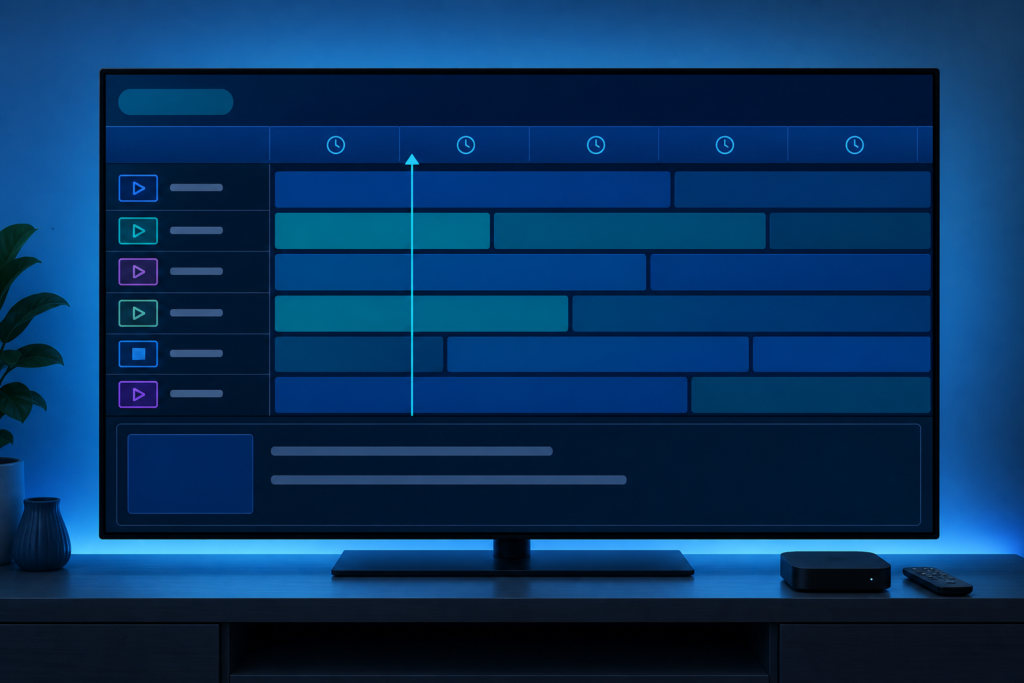
Program guides contain several fields: time, title, description, category, language, and sometimes artwork. A source may provide times and titles without descriptions. A player may also display only selected fields or fail to parse a particular metadata format. One blank description does not prove that the entire guide is broken.
- One channel blank: compare another channel before changing settings.
- One group blank: inspect guide source and group mapping.
- Times and titles work: the source may not provide descriptions.
- Everything blank after update: refresh, cache, language, and player compatibility may matter.
Step 1: Compare channels and time ranges
Open a second channel in the same group and check both current and future entries. If descriptions appear elsewhere, the original source may have incomplete metadata. Check whether the title and time are present even when the description is not.
Use the same guide view while comparing. Some players show a short title in the grid and a longer description only after selecting the event.
Step 2: Check guide display settings
Review EPG layout, detail-panel, text-size, and compact-mode settings. A narrow guide column may hide or clip descriptions. Select an event to open its details rather than judging from the grid alone. Check system zoom or accessibility scaling if the detail panel is outside the visible area.
Do not change picture calibration for a guide text problem. Keep one setting change at a time and record the result.
Step 3: Refresh guide data correctly
Use the player’s normal guide refresh or update action and wait for it to finish. Repeatedly importing the same source can create stale or merged data. Close the player normally and reopen it after the refresh.
If descriptions disappear after every refresh, note whether the player replaces or appends guide data. Clear cache before clearing app data. App data clearing may remove authorized configuration.
Step 4: Review language, region, and time settings
Check the player’s preferred language and the device region only when the guide documentation supports it. A language mismatch may affect metadata display, while incorrect time settings usually affect schedule alignment rather than descriptions. Avoid changing region casually because it can affect app availability.
Set device date and time automatically where supported. Install player updates through official channels.
Step 5: Compare another supported player
If descriptions appear in another supported player on the same device and network, the first app may have a parsing or display limitation. If descriptions are blank everywhere but times and titles work, the source may simply not provide those fields. Report that distinction accurately instead of promising that a reset can create missing metadata.
Support and internal resources
Review the IPTV service guide, services, and homepage. Use WhatsApp or the official Telegram support group with device, player, group, channel example, and refresh result. Never send passwords, private URLs, tokens, or payment data.
FAQ
Why do EPG times show but descriptions stay blank?
The source may provide schedule times and titles without descriptive fields, or the player may not parse them.
Should I refresh the guide repeatedly?
No. Use the normal refresh once, wait, reopen the player, and record the result.
Can a text-size setting hide descriptions?
Yes. Compact layout, zoom, or a narrow detail panel can make descriptions appear absent.
Will changing region fix blank descriptions?
Not necessarily. Change region only when supported documentation points to it.
Conclusion
When IPTV EPG descriptions are blank, compare channels, inspect guide layout, refresh once, review language and time settings, check cache, and compare another supported player. Distinguish missing source metadata from a display or parsing problem and report non-sensitive evidence through official support.
Use a consistent guide comparison: the same group, the same channel, and the same time range. Check whether a description appears when the event is opened in a detail panel, even if the grid is short. A missing description in one view can be a layout limitation rather than missing guide data.
Do not repeatedly change the device region or import a new source while testing. Those actions can alter unrelated preferences and make it difficult to identify the original behavior. Keep the authorized source and compare one player setting at a time.
When a description is available in another supported player, report the player name and version rather than claiming that the source is invalid. If it is absent everywhere but time and title work, describe it as incomplete metadata.
Check whether the guide panel has a horizontal or detail view that can display longer text. A compact layout may intentionally show only times and titles. Restore a normal text size and clear any search filter before refreshing.
If the source provides no descriptions, no local player reset can create them. The useful action is to document the channels and views tested, then ask support whether the metadata is available for that source.
When comparing two players, keep the same device, network, guide group, and time range. Change only the player so the result is meaningful. If the description appears in one player, note that the metadata exists and the difference is likely parsing or layout. If neither player shows it, the source may not provide that field.
Once the guide is stable, avoid repeated imports and keep the working layout documented. This protects the authorized configuration while making future refresh behavior easier to compare.
Guide descriptions can also vary by event. A short item may genuinely have no supplied summary, while another event in the same group has a longer description. Compare several entries before concluding that the entire EPG is missing metadata.
Keep the original time and language preferences recorded, and restore them after testing if a temporary change does not help. The goal is to identify the missing field, not to alter unrelated device behavior.
If a description is important for a particular event, record that event title and group so support can compare the same metadata rather than a different program.
Use the same guide view and time range for a final comparison. If descriptions remain absent, report the scope accurately and avoid claiming that a local reset can create unavailable metadata.
Document the final working guide layout before closing the task.
Keep the source and player unchanged after the comparison so later support has a reliable baseline.